


For a few ordinary pages, start with your nearest Toronto Public Library branch. Black-and-white printing is 15 cents and colour is 55 cents per printed side. TMU students have a cheaper campus option: the library lists 7 cents for black and white and 49 cents for colour.
For a long document with binding, get a quote from Net Plaza. For one return label, skip a shop with a file fee unless the time saved is worth it. A low per-page price can hide a much larger minimum bill.
Service check, September 5, 2026: TPL says remote printing is unavailable. Plan to print at a branch. Toronto Reference Library also has reduced access during renovations, and Net Plaza is closed through September 7. These details matter more than saving two cents a page.
Here are seven places to consider and thirteen checks that prevent wasted trips and expensive reprints. Our best-for verdicts compare published services, access and charges. We haven't tested the printers or ranked their colour quality from personal use.
Compare the whole job before choosing a shop
The table uses one copy of a letter-size file on ordinary paper. Ten pages means ten printed sides. These are calculations from posted rates, not checkout quotes. Extra paper, finishing, tax where charged and travel can change the total.
| Service | 10 black-and-white pages | 10 colour pages | What changes the bill |
|---|---|---|---|
| TPL | $1.50 | $5.50 | A Quick Print card costs $1 if you need one |
| TMU Libraries | $0.70 | $4.90 | OneCard funds and campus access required |
| Net Plaza | About $3 | About $7 | Includes its $2 minimum set-up fee; prices are estimates |
| UPS Store Beaches, #10 | $6.25 before tax | $10.65 before tax | Includes $3.75 file processing from USB or email |
| UTSC Print Hub | Get a current quote | Get a current quote | Public external price list is dated September 2023 |
| Sherwood Tuck Shop | Confirm at the counter | Confirm at the counter | Website has unclear currency notation |
At the Beaches UPS store, the two table totals become about $7.06 and $12.03 with 13% HST. A single black-and-white return label is $4.10 before tax, including the file fee, or about $4.63 with HST.
That isn't a good price for paper alone. It can still be a sensible price if you're already there shipping a parcel and the alternative takes another hour. Judge the whole errand.
1. Use Toronto Reference Library for an 11-by-17 job, after checking access
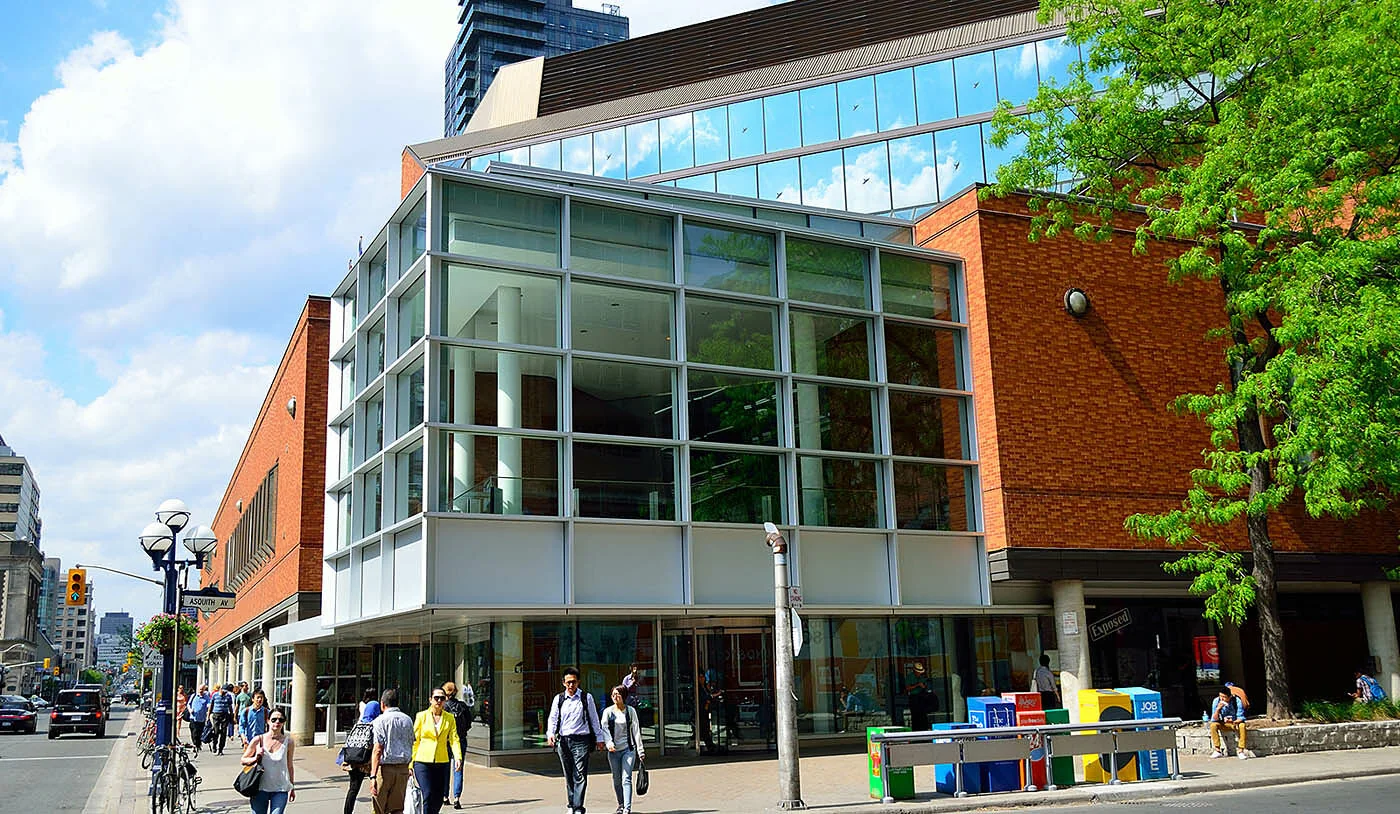
Address: 789 Yonge Street, just north of Bloor. Best for: a public-library option for larger sheets.
TPL specifically lists black-and-white 11-by-17 printing at Toronto Reference Library only, at 20 cents. Don't assume your local branch offers that size. Colour is listed at 55 cents for available sizes; confirm the exact large-format option before travelling.
The branch page warns of limited computers, seating and services during work from August into October 2026. The renovation update lists floors 3 to 5 as closed, with limited access on floors 1 and 2.
Current weekday public hours start at 11 a.m., not 9 a.m. Saturday hours are 9 a.m. to 5 p.m.; ordinary Sunday hours are noon to 5 p.m. It is closed September 6 and Labour Day, September 7. Check later holiday closures too.
Pros: Clear public rates and a useful larger paper size. Cons: Renovation makes this a poor place for a last-minute job without checking first. Call 416-395-5577 about the printer and size you need. Choose another branch for ordinary letter-size pages if it's closer.
2. Use Albion library when you're in northwest Toronto
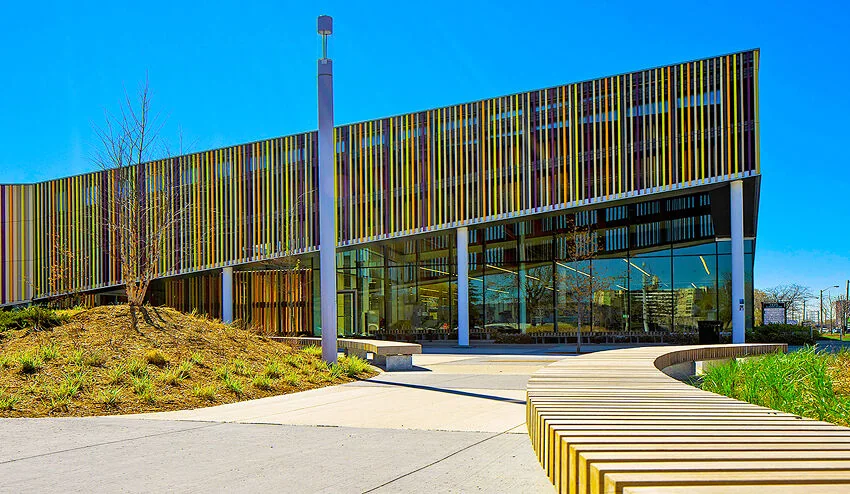
Address: 1515 Albion Road. Best for: ordinary documents without a trip downtown.
Albion library lists weekday hours of 9 a.m. to 8:30 p.m., Saturday 9 a.m. to 5 p.m. and Sunday noon to 5 p.m. It is wheelchair accessible. The branch lists closures on September 6 and 7, September 30, and October 11 and 12, 2026.
Use the standard TPL printing service for letter- or legal-size pages. There is no need to travel to the Reference Library for a simple form. Ask staff about computer access and the printer if you have a deadline.
Pros: Long regular weekday hours and a useful local setting for students. Cons: Holiday closures can catch you out, and a library isn't a full-service print shop for custom paper and binding.
Choose Albion if it fits your route. Otherwise, use TPL's branch finder for a closer library. The cheapest shop on the other side of town rarely wins on a ten-page job.
3. Use TMU Libraries if you already have campus access
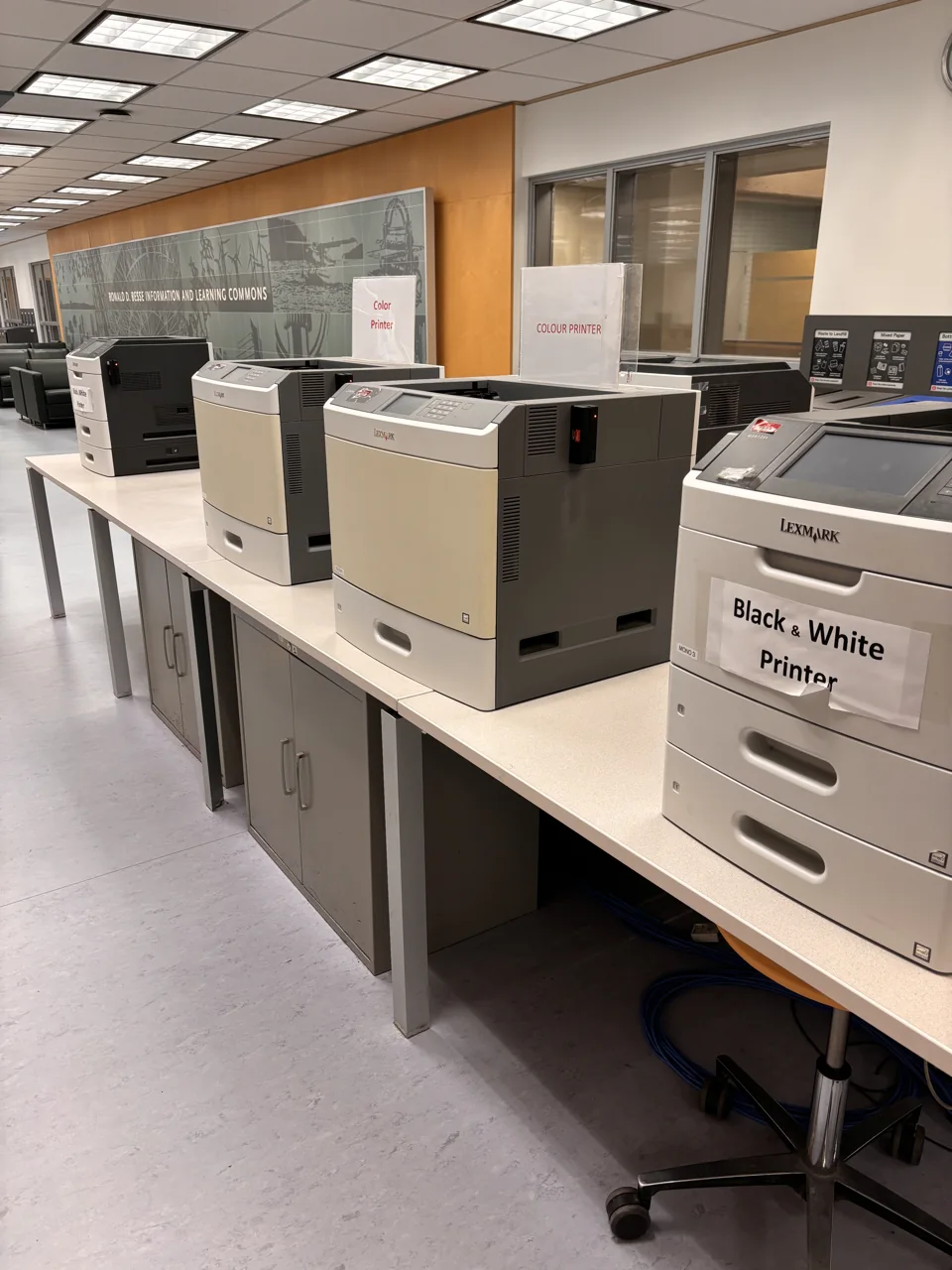
Location: Besse Information and Learning Commons, main library level on the second floor. Best for: TMU students printing everyday coursework.
TMU Libraries lists 7 cents per black-and-white page and 49 cents per colour page. Only 8.5-by-11-inch letter paper is available. Load money onto your OneCard before printing.
Phone and laptop printing uses the campus wireless printing service. You need to be on TMU's Wi-Fi network. Follow the current wireless-printing instructions instead of assuming you can send a job from home.
Pros: The lowest listed black-and-white rate in our small-job comparison. Cons: Campus credentials and building access matter. This is not an unconditional public walk-in deal, and it doesn't solve an A4 or tabloid-paper request.
Choose it if you're already studying at TMU. Check the library's current hours and entry rules before coming in from another campus. A small price saving does not justify borrowing someone else's login or card.
4. Get a UTSC Print Hub quote for a larger campus project
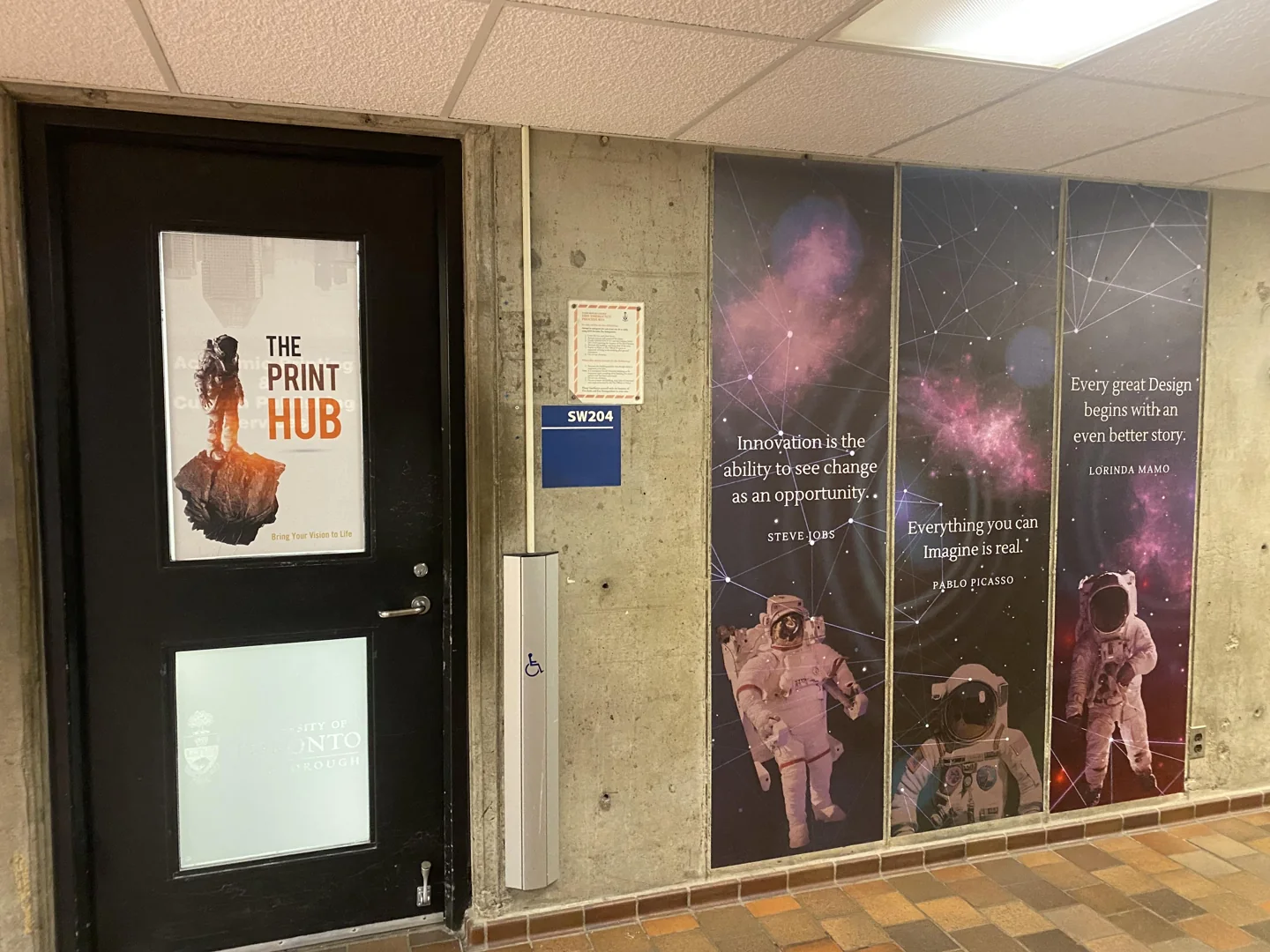
Address: University of Toronto Scarborough, 1265 Military Trail, Science Wing, SW204. Published hours: Monday to Friday, 9 a.m. to 4:30 p.m.
The UTSC Print Hub handles ordinary printing, larger posters and finishing. Orders go through its online forms. For external requests, the team sends a total and invoice, then prints after payment. Wait for the completion notice before collecting.
The external price list is still dated September 1, 2023. It lists 15-cent black-and-white and 48-cent colour letter pages in the first quantity band. It also lists a $25 rush fee for jobs under 48 hours. Treat those as posted reference figures and get a current total.
Pros: A practical service for a poster, bound report or larger order already near UTSC. Cons: A rush charge can overwhelm a small saving. The old price-list date makes an exact current quote essential.
Choose it for a planned project, not an unannounced five-minute errand. Ask about tax, paper, covers, binding and the ready time in the same request.
5. Ask Net Plaza about a long document with binding
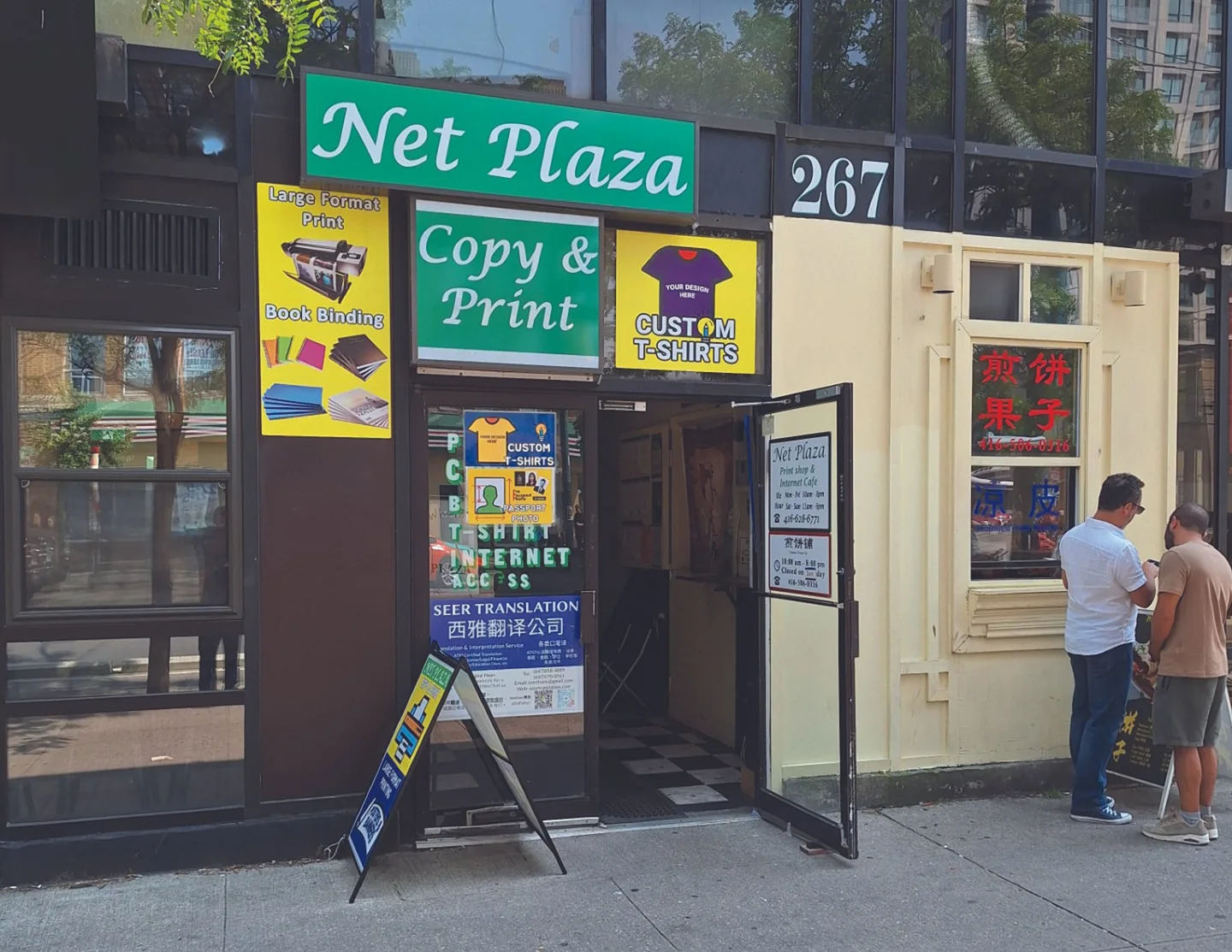
Address: 267 College Street, second floor, at Spadina. Best for: a planned longer document that needs finishing.
Net Plaza is closed August 31 to September 7, 2026. Its usual hours are Monday to Friday, 10 a.m. to 6 p.m., and Saturday noon to 4 p.m. It has stairs and says it is not wheelchair accessible.
The price list adds a $2 minimum set-up fee. Black-and-white estimates are 10 cents for 1 to 100 pages, or 9 cents for double-sided work in that band. Higher quantities have lower rates. All listed prices are estimates, and full-bleed or image-heavy work can cost more.
Pros: Quantity pricing and several binding choices. Cons: Stairs, a set-up fee and a stated no-rush policy. Walk-ins are accepted, but the shop asks for files and job details ahead of pickup.
Choose Net Plaza when a complete written quote beats the other options. For a few pages, the library is usually simpler. Don't promise yourself same-day completion just because the shop accepts walk-ins.
6. Consider the Beaches UPS store when convenience matters
Address: The UPS Store #10, 2255B Queen Street East. Best for: a print-and-ship errand in one stop.
The branch's print page publishes a $3.75 file-processing fee for USB or email jobs. Black-and-white letter printing is 35 cents for 1 to 9 pages and 25 cents for 10 to 99. Colour is 99 cents and 69 cents in those bands. Tax is extra.
Regular hours are Monday to Friday, 9 a.m. to 6:30 p.m., and Saturday and Sunday, 10 a.m. to 3 p.m. Confirm holiday service and the completion time for your job.
Pros: Weekend hours and shipping services alongside printing. Cons: The file fee makes tiny jobs expensive. Rates differ between independently operated UPS stores.
Use this branch when the combined errand saves enough time. Skip it for a single cheap page if a working library printer is nearby. Ask whether one fee covers all the files in your order.
7. Keep Sherwood Tuck Shop as an evening backup
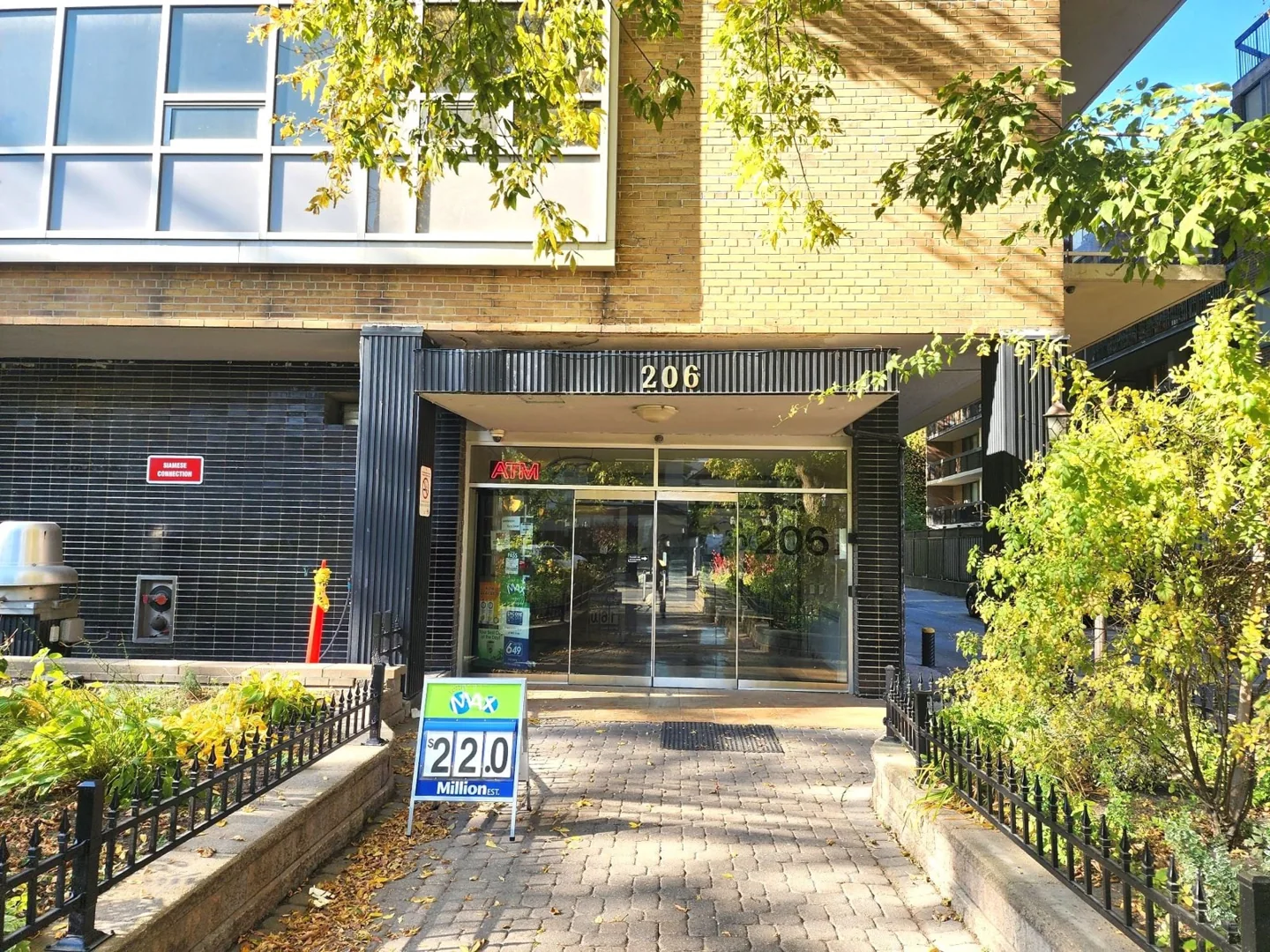
Address: 206 St. George Street. Best for: checking a late option near the Annex.
Sherwood Tuck Shop lists regular hours to 10 p.m. daily, starting at 9 a.m. on weekdays and 10 a.m. on weekends. Its printing service accepts USB files or email. Store opening hours are not a guarantee that every print job can be done right up to closing.
The service page has unclear price notation. It shows “0.89¢” for black and white and “1.50¢” for colour, plus tax. We aren't treating that as a less-than-one-cent offer. Ask the counter for the dollar total and any minimum charge.
Pros: Longer listed evening hours than the other shops here. Cons: Unclear online prices and no verified last-job cutoff.
Call 647-873-6199 before making a late trip. Choose it as a convenience backup once the price and service are confirmed. It does not earn a cheapest-shop rating from the website alone.
Thirteen checks that save money and prevent reprints
8. Count printed sides, not sheets
A 100-page PDF printed on both sides uses about 50 sheets. It still has 100 printed sides. Don't divide the quoted cost by two unless the printer actually gives a discount for duplex work.
Ask: "Is that price per printed side or per physical sheet?" Also state how many copies you want. Two copies of a 50-page file mean 100 printed sides.
This is the first question to settle on a long job. It prevents a quote that looks cheap simply because you and the shop are counting different things.
9. Compare a long job separately from a short one
Using Net Plaza's posted estimate, a 100-page black-and-white document printed double-sided is about $11 before any tax or extra finishing: 100 times 9 cents, plus $2 set-up. A 10-page single-sided document is about $3.
The larger job spreads the fee across more pages. But confirm that the quote counts your file in the same way, especially if some pages are colour.
Get a quote from a second printer for the identical file and paper. A discount for 500 pages is not a reason to print hundreds of pages you don't need.
10. Ask for one total that includes every extra
Your request should name the paper size, colour pages, number of copies, sides and finish. Ask whether tax, file handling, covers, binding, trimming and rush service are included.
Try: "Please quote one copy of this 80-page PDF, black and white, letter-size, double-sided, with coil binding and front and back covers. Please give the final price and pickup time."
Don't compare a bare page charge with a finished book. If the reply is unclear, settle it before authorizing the job. A written total is easier to check later.
11. Save a print-ready PDF
A PDF helps preserve the layout you approved. Open the final file on your phone or computer and check the first page, last page and any page with a table or image.
Make sure comments, tracked changes and blank pages aren't included by accident. Give it a clear name so you don't send an old version.
For ordinary documents, this is often enough. For a professional colour project, follow that printer's file requirements. UTSC, for example, publishes its own resolution, colour and edge instructions. Don't assume one shop's settings apply everywhere.
12. Print one test page before paying for a stack
Choose a page with small text, an image and any tricky layout. Check whether it is clear, cut off, too dark or printed at the wrong size.
For a colour portfolio, ask for a proof on the paper you plan to buy. A good-looking screen is not proof of a good-looking print. We would spend a little on a test before ordering fifty copies.
If colour accuracy is critical, tell the printer before ordering. An ordinary self-serve copy is a different service from colour-managed fine-art printing.
13. Choose black and white deliberately
A tiny coloured logo can put a page into a colour charge category. If you only need readable notes, select black and white or greyscale and check the preview.
Keep colour when it carries information. A chart with red and green lines can become impossible to read in grey. Print those few pages in colour and the rest in black and white if the service supports a split order.
Ask whether splitting files adds another set-up fee. A saving on colour can disappear if each upload becomes a separate charged job.
14. Keep slides readable when putting several on a page
Printing two slides on one side can reduce the number of printed sides. Six tiny slides might save more money and leave you with notes you cannot use.
Try one page at the size you plan to carry and read. Keep space for handwritten notes if you need it. For dense diagrams, choose fewer slides per side.
This is useful for revision notes. It is not a good shortcut for a document that must be submitted at a set size. Follow the recipient's requirements first.
15. Treat A4, letter and legal as different sizes
A4 is 210 by 297 mm. North American letter is 8.5 by 11 inches. Legal is 8.5 by 14 inches. They aren't interchangeable when a form or design requires an exact size.
Tell the shop “A4 paper, printed at actual size” if that is what the recipient asks for. Ask if it has the paper in stock. TPL's listed standard sizes and TMU's letter-only service do not establish an A4 option.
Don't shrink a form or trim it yourself without checking the submission rules. A technically neat print is wasted money if the office receiving it rejects the size.
16. Ask about cardstock, margins and edge-to-edge images
Ordinary office paper is not the same as heavy card. Ask which paper the machine accepts and whether you can bring your own. Don't put unusual stock into a public printer without staff approval.
If an image runs right to the edge, ask the printer about bleed. Bleed is extra image beyond the cut line so trimming doesn't leave a white edge. It can require a larger sheet and a trimming charge.
Choose plain paper for forms and notes. Pay for heavier stock when the finished object actually needs it, such as an invitation or portfolio cover.
17. Price binding by the finished thickness
Binding charges often depend on the number of physical sheets. That is different from the printed-side count used for the printing charge.
Ask for the binding type, covers and any hole-punching in the quote. Coil binding and plastic comb binding are different products. A stapled short report may be enough; a thick study manual may need several separate sections.
If the document is for an exam, read the exam body's material rules before binding it. Don't pay for a format you won't be allowed to bring into the room.
18. Scan instead when the recipient wants a digital file
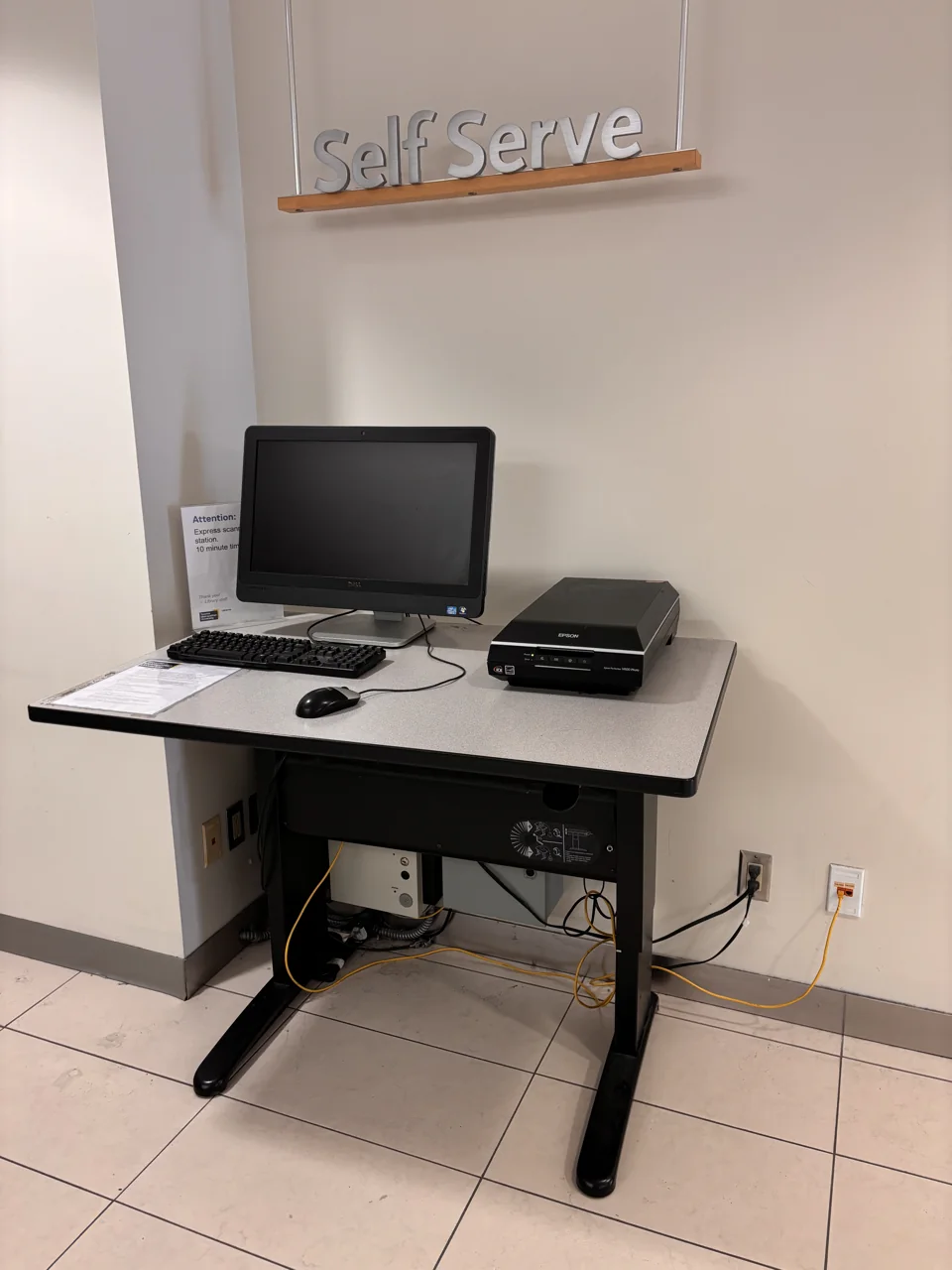
You don't need to print a document just to send it back as a scan. If a recipient accepts the original PDF, send that. If you need to capture a signed paper, a clean scan may be enough.
TPL scanning is free. Its branch combination machines send scans to one email address; they don't save directly to USB or online storage. Flatbed options at selected locations offer other ways to save files. A library card or guest pass may be required.
Check the result before leaving. Make sure every page is present, readable and the right way up. For private documents, use your own email address and sign out of any public computer.
19. Ask about help with job-related printing
If you need résumés and cannot afford printing, ask a local employment service about its resource room, eligibility and page limits. Don't assume free employment support includes unlimited printing of unrelated coursework.
Next-Steps Employment Centres asks people to contact a centre about eligibility for its free services. Use the current location information, since programmes and offices can change.
You can also ask library staff about help available for your situation. The posted library printing service is paid; old reports of free printing during payment-system problems are not a current entitlement. Ask openly rather than relying on a workaround.
20. Add travel, time and printer upkeep to the decision
Saving five cents on each of ten pages saves fifty cents. A special transit trip can easily cost more than that. Use a printer on a trip you're already making when possible.
For frequent home printing, compare the printer price, replacement toner or ink, paper and space. Divide the full cost by the number of pages you realistically expect to print. A cheap machine isn't a bargain if it sits unused or has costly supplies.
For occasional documents, we would keep using a library or nearby shop. For a large, repeated workload, get a real home-printer cost comparison. Don't buy a printer in a panic over one deadline.
Frequently asked questions
Where is the cheapest place to print a few pages in Toronto?
For the general public, our first choice is a nearby TPL branch with a working printer. TMU's listed black-and-white rate is lower for people with the required campus access and OneCard funds. Include travel and file fees before deciding which option is cheapest for you.
Can I print at the library without a library card?
TPL offers a Quick Print card for $1. Money loaded onto it cannot be refunded or transferred. If you're eligible for a regular library card, ask staff about that option before buying a separate card.
Can I send a TPL print job from my phone at home?
As of September 5, 2026, TPL's service notice says remote printing is unavailable. Visit a branch and check the current notice before relying on phone upload. Instructions lower on the page describe the normal service, so the temporary notice takes priority.
Does double-sided printing cost half as much?
Usually you still pay for the printed sides, even though you use fewer sheets. Some shops offer a lower double-sided rate. Ask how your quote counts pages before placing a large order.
Can I print A4 documents at any library or shop?
No. Confirm the exact paper size with the location. Letter, legal and A4 are different. If an official document requires A4 at actual size, tell the printer that before paying.
Is scanning free at Toronto Public Library?
Yes. The saving options depend on the scanner. A branch's combination printer sends scans to email, while selected flatbed scanners offer other options. Check which equipment is available before a special trip.
Does Staples have one cheap rate for every print job?
Don't assume so. Use the Canadian document-printing service and compare the finished quote, including the paper and service you chose. A US price, a past receipt or a self-serve rate doesn't establish the cost of a Canadian full-service order.
Can I print a return label without owning a printer?
Yes. A library or print shop can print the label file. First check whether your retailer and chosen return location support a printer-free QR-code return. A QR code for one carrier or drop-off method isn't a general printable shipping label.
For other useful low-cost services, see our guides to Toronto library-card attractions, cheap books and TTC fare capping. Choose the printer that solves your actual job with the fewest extra charges and trips.