



For a recent MacBook with a broken display, our first choice is Apple or an Apple Authorized Service Provider. Check coverage before paying for a repair. The parts and the repair terms matter more than a cheap starting price.
For an older machine outside coverage, an independent specialist deserves a second quote. But don't approve an expensive repair until the shop identifies the fault, explains the parts and gives you its warranty in writing.
The big mistake is comparing a screen-only estimate with a quote that also includes a logic board, the main circuit board inside the laptop. They are different jobs. This guide explains how to compare them, what Toronto providers publish and when keeping the laptop stops making sense. Details were checked on October 9, 2026.
How much does MacBook screen repair cost in Toronto?

The exact model changes the price sharply. Jump+'s published Mac service list is a useful benchmark because it separates display parts from the stated $135 labour charge.
These are sums of the listed parts and labour, not an inspection-based quote for your laptop. Ask about tax, diagnostic charges and any additional fault before paying.
| Model on the published list | Display part | Listed labour | Parts plus labour |
|---|---|---|---|
| 13-inch MacBook Air, M2/M3/M4 | $656 | $135 | $791 |
| 15-inch MacBook Air, M2/M3/M4 | $755 | $135 | $890 |
| 14-inch MacBook Pro, 2021 | $927 | $135 | $1,062 |
| 16-inch MacBook Pro, 2021 | $1,065 | $135 | $1,200 |
| MacBook Neo, 2026 | $309 | $135 | $444 |
A four-figure display bill is not automatically proof that the price is wrong. It is a reason to stop and compare the repair with the laptop's current usefulness and replacement cost.
Don't apply a listed 2021 model price to a newer MacBook Pro. Send the provider the serial number privately and ask it to identify the exact model. “MacBook Pro 16-inch” is not enough detail for a reliable quote.
Include the diagnosis and the time without your computer
Jump+ lists an out-of-warranty diagnostic at $60. RiverdaleMac's service page lists a $125 plus tax non-refundable diagnostic fee for out-of-warranty and accidental-damage repairs.
Ask whether that fee is credited toward the repair. Also ask whether the display is in stock and when the work can actually begin. “We can diagnose it today” does not mean “you can take it home tonight.”
If you need the machine for work, ask about a rental or another temporary setup. RiverdaleMac advertises a rental option during service. Confirm the current rate and deposit rather than assuming the website's listed offer covers your whole repair period.
Compare the full bill and the realistic downtime. A smaller quote is not much help if it leaves you without your work machine for two weeks.
Which Toronto repair route should you choose?
| Route | Best reason to choose it | Main drawback |
|---|---|---|
| Apple | Check Apple coverage and use its repair process | An expensive out-of-coverage quote can make replacement more attractive |
| Apple Authorized Service Provider | Apple-certified service with another appointment route | Diagnostic fees, stock and turnaround vary |
| Independent Mac specialist | A second opinion or repair approach for an older uncovered machine | Parts, calibration and warranty terms need careful comparison |
| Replacement or an external display | Avoid pouring more money into a poor-value repair | A workaround may reduce portability; replacement means setup and data transfer |
Apple Eaton Centre: our first coverage check downtown
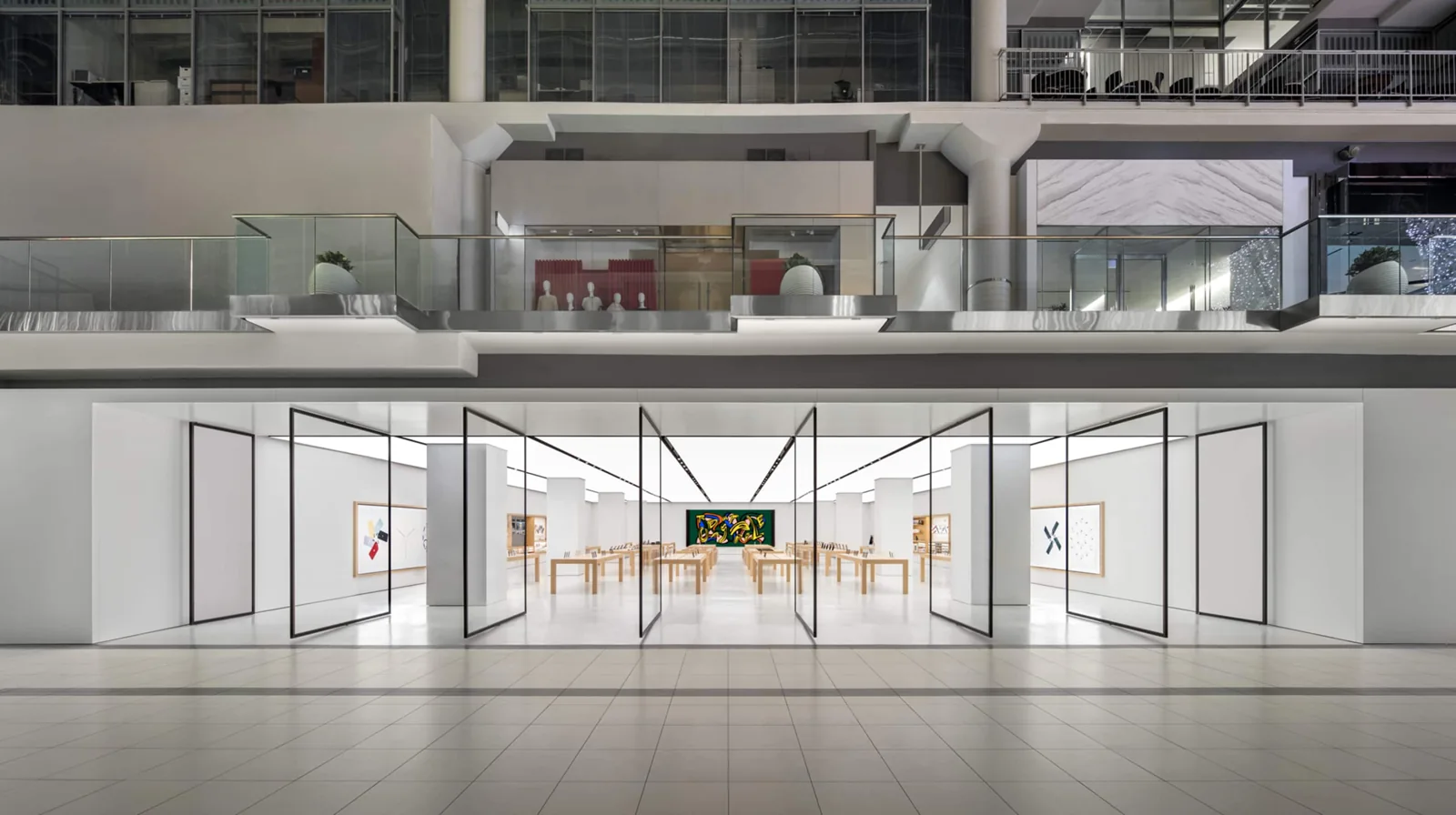
Apple Eaton Centre is at 220 Yonge Street. Use the official support booking rather than assuming a walk-in visit will lead to a same-day repair.
The good: this is the clearest starting point if you have AppleCare or a warranty question. You can ask Apple to diagnose the problem and explain what is covered.
The drawback: a quote can include more than the visible screen damage. Ask the technician to separate the faults and explain why each repair is needed. If the total is close to a suitable replacement, get that comparison on paper before deciding.
Choose Apple first for coverage. Treat its uncovered quote as a decision point, not an instruction to spend any amount.
Jump+: a useful authorized quote with published benchmarks

Jump+ advertises Apple-authorized repair services. Its official store information lists the Toronto location at 275 College Street.
The good: published parts and labour examples make it easier to understand a quote. It is also another place to ask about an appointment when Apple is busy.
The drawback: the price list is not a live guarantee that your part is available. A published model entry does not confirm the condition of your own machine or every charge in the job.
Choose Jump+ when the authorized route fits and its appointment, part availability and total quote work better for you.
RiverdaleMac, BeachMac and Roncesvalles: check the actual service location

The retailer's Mac service page describes genuine Apple parts and Apple-certified technicians. It lists BeachMac at 1960 Queen Street East, unit 2, and its Roncesvalles location at 381 Roncesvalles Avenue.
The good: the page spells out diagnosis, preparation and quote steps. Neighbourhood service can save a trip downtown, and the advertised rental option can matter if you depend on the laptop.
The drawback: the diagnostic fee is non-refundable. Its stated turnaround is an estimate, not a promise, and parts can add waiting time. The site refers to three neighbourhood providers, so confirm which current location is handling your booking.
Choose this route when the location and support are worth the diagnostic cost. Ask about that cost before leaving the machine.
Independent specialists: useful, but get a like-for-like quote
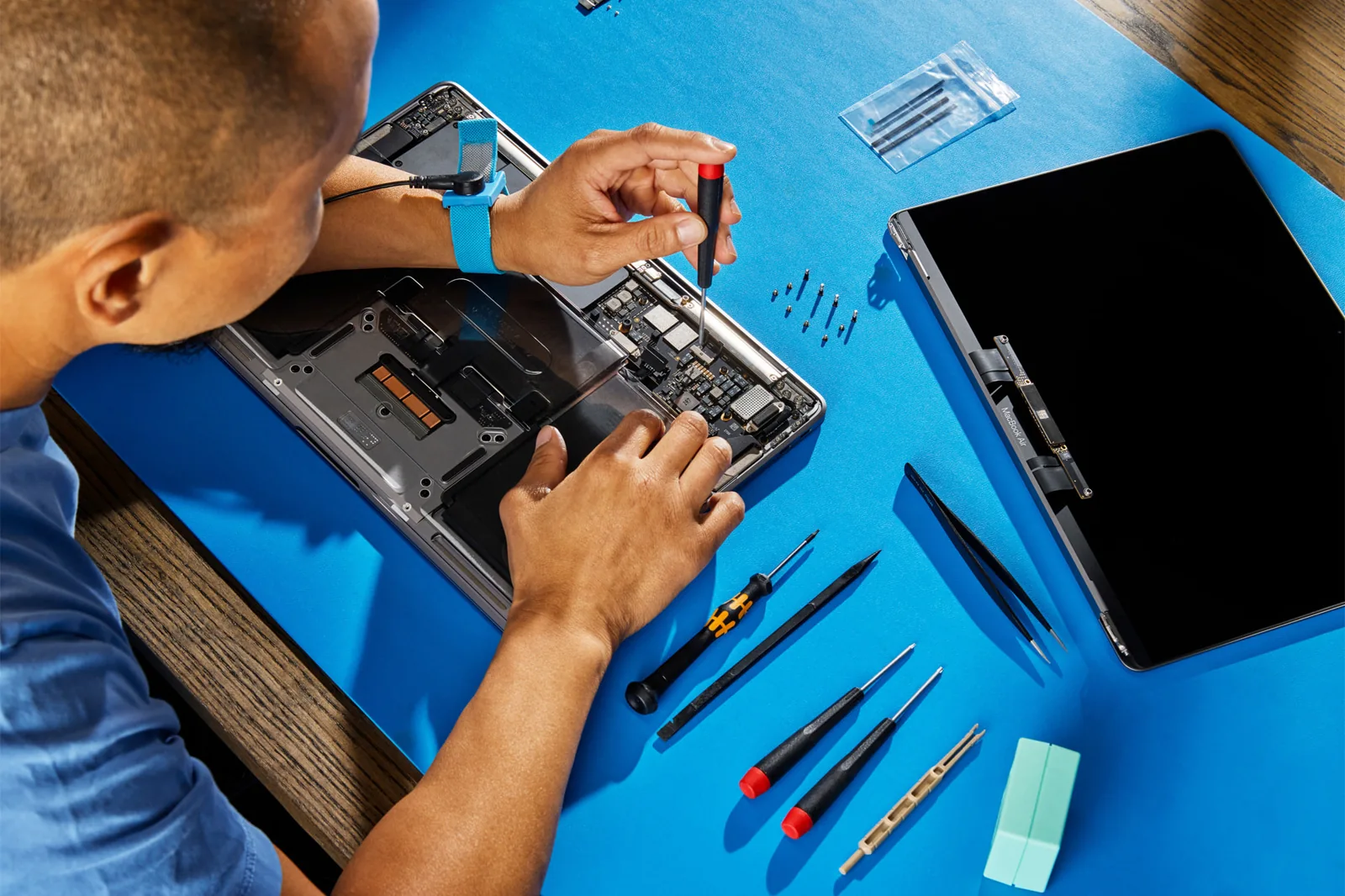
Undo It says it works on uncovered, vintage and obsolete MacBooks. Its Toronto appointment page lists 20 Blue Jays Way, unit 2006, and says to call for the entry code. This is an appointment, not a shopfront to turn up at without notice.
Doctor Mac's current contact and terms page lists 727 Bloor Street West and describes three-month repair warranties in its text. A graphic on the page mentions a one-year warranty. Ask which term applies to your exact job, and get that answer in writing.
WinMac's contact page lists 384 Yonge Street and advertises free diagnostics and a repair warranty. We did not find enough detail there to treat the word “warranty” as a complete description of coverage. Ask for its duration, exclusions and remedy before authorizing work.
The good: an independent shop can offer a different repair approach and another diagnosis. That matters when replacing an entire assembly is poor value for an older machine.
The drawback: “original,” “genuine,” “used” and “refurbished” are not interchangeable descriptions. A repair price is hard to judge when the part and method are unclear.
Ask whether the work replaces the complete display assembly, meaning the whole screen unit, or only part of it. Ask which display functions will work afterwards, including brightness control, camera and any model-specific features. Don't assume every repair method gives the same result.
Use an independent quote to answer a specific question. Skip a vague quote that cannot explain what you're buying.
Repair, replace or use an external monitor?
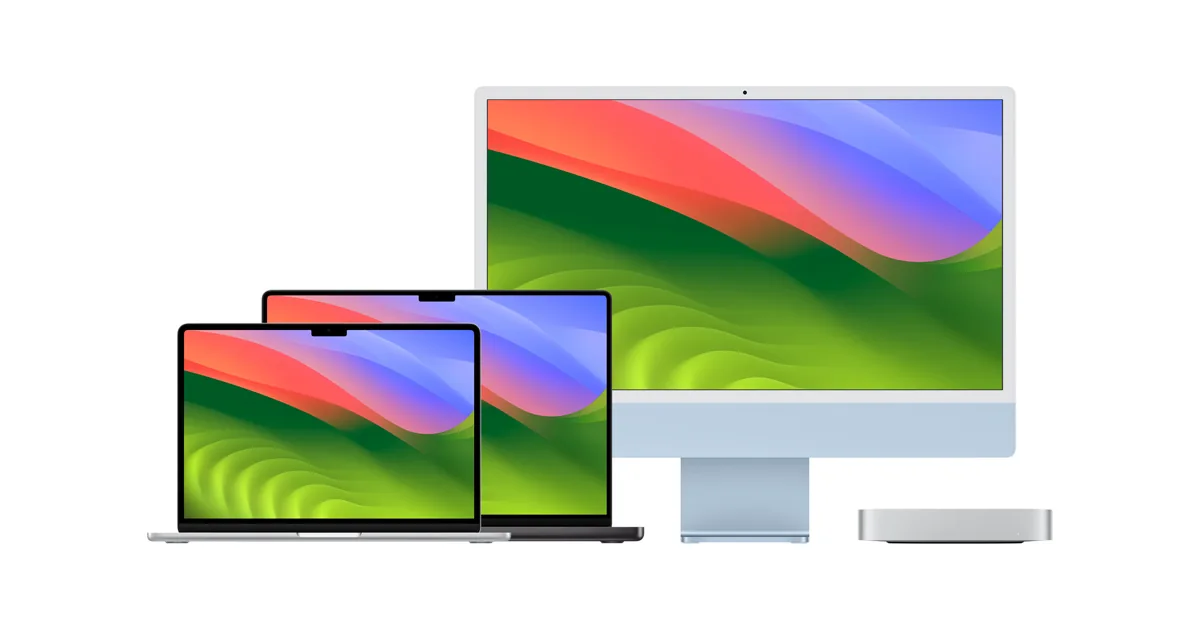
Compare the repair with a replacement that can do your actual work. The price you paid years ago is not the laptop's current value. Equally, the cheapest new machine is not a fair substitute for a Pro you use for demanding work.
Compare current Apple Certified Refurbished Macs and other replacements with clear condition and return terms. Include memory, storage, battery condition and warranty. Don't compare an inspected repair with a risky used listing simply because the listing is cheaper.
| Situation | Our decision |
|---|---|
| The repair is covered and the laptop still meets your needs | Start with the covered repair route |
| The fault is isolated and the total is comfortably below a suitable replacement | Repair is the stronger choice |
| Screen, logic board and battery all need expensive work | Price a replacement before approving the job |
| The display is damaged but an external monitor works for your normal tasks | Ask whether a temporary desk setup is appropriate |
| You need a portable machine every day | A desk-only workaround is a poor long-term substitute |
An external monitor is a workaround, not a diagnosis
A monitor can keep some people working while they compare options. But a laptop powering an external screen does not prove the rest of it is healthy.
Ask a technician about the fault before continuing to use a machine with a lifting display, signs of battery swelling or other physical damage. Don't keep flexing a loose screen to see whether it still works.
For a stable desk setup, include the monitor, adapter and any keyboard or mouse in the comparison. The saving can be real, but the arrangement should fit how you use the computer.
Choose the workaround when it is safe, suitable and genuinely temporary. Replace the laptop when the repair no longer buys enough useful life.
What a repair warranty needs to say
Get the terms before paying. Save the estimate, receipt and warranty as well as a screenshot of the promises on the service page.
The written agreement should identify:
- The exact work and part being supplied.
- Whether the part is new, used or refurbished.
- The warranty period and its start date.
- Which faults are covered and which are excluded.
- Whether labour and another diagnostic are included if the work fails.
- The remedy: another repair, replacement or refund.
- The process and deadline for reporting a problem.
Apple's Canadian repair terms describe its service warranty and remedies. An independent shop has its own terms. Don't assume a general “all repairs guaranteed” line gives the same coverage.
AppleCare, a standard warranty and card benefits are separate
Check your actual coverage through Apple Support. A manufacturer's warranty, accidental-damage plan and credit-card benefit can cover different things.
AppleCare is not something to assume you can buy after a known accident to cover that accident. Check your existing plan and the applicable service fee. Ask the card issuer about any purchase protection or extended warranty, including its exclusions and claim process.
Make the coverage check before booking an uncovered repair. Don't build a budget around a benefit you haven't confirmed.
If the repair fails or the shop refuses coverage

Stop and document the problem. Photograph the machine, note when the fault appeared and contact the shop promptly in writing. Explain what you want it to do: inspect the problem, repeat the work or address a warranty claim.
An independent second assessment can help explain what failed. Ask what that assessment costs and whether the technician can provide findings in writing. It does not guarantee that another provider or a court will agree with you.
If you paid by card, ask the issuer about its dispute process and deadlines. A chargeback is not automatic, and cash payments do not have a card chargeback route. Cash also does not, by itself, decide whether you have another valid claim.
Ontario's consumer complaint guide explains the complaint route and its limits. The Small Claims Court guide is the place to check procedures before deciding whether to pursue money through court.
Don't borrow motor-vehicle repair rules and assume they apply to laptops. Don't assume a threat, a bad review or a demand letter guarantees a refund. Costs, evidence and time all belong in the decision.
If you leave a public review, keep it factual. Describe the work, dates and response without inventing motives or technical findings. Never change your account of the damage to try to fit a warranty.
Our recommendation is simple: get a clear diagnosis, a complete quote and written terms before the repair. If the job fails, preserve the evidence and use the proper complaint route.
Maps for the other places mentioned
The maps below cover extra branches and supporting names mentioned in this guide. Maps labelled "Search results" do not confirm a business is open or identify a verified branch. Match the name, address and current official details before travelling. Open only the maps you need.
Map: Undo It
Map: Doctor Mac
Map: WinMac
Frequently asked questions
Is Apple always cheaper than an independent MacBook repair shop?
No. Compare the same fault, part and warranty. A covered service fee and an uncovered display replacement are not comparable prices.
Is a $1,200 MacBook screen repair automatically overpriced?
No. The model and work matter. A published authorized-service benchmark can reach that amount for a particular display, while other models cost much less. Compare the full quote with a suitable replacement.
Should I repair a screen and logic board together?
Ask why both are needed and get the costs separated. Then compare the complete repair with a replacement that meets your needs. Don't decide from the screen price alone.
Can I keep using a MacBook with an external monitor?
Ask a technician whether that is appropriate for the fault. An external picture does not prove the laptop is safe or otherwise healthy. It can be useful for a stable desk setup when portability is not essential.
What should I do before leaving my MacBook at a shop?
Back up your data if you can. Follow the provider's preparation instructions, photograph the condition and get the agreed work and charges in writing. Ask how personal data and any necessary account access will be handled.
Can I dispute a repair I paid for in cash?
A card chargeback is not available for a cash payment. Keep the receipt, written terms and other evidence, and check the relevant complaint or court process. The payment method alone does not determine the merits of the dispute.
Does a repair warranty cover another accidental break?
Read the written terms. A warranty for workmanship or a defective part is different from insurance for a later accident. Report a suspected repair problem promptly and ask the shop to explain any exclusion it relies on.