



Apple Certified Refurbished is our first choice for a used Mac when the model fits your budget. Its clear warranty and return route are worth money. For a cheaper Windows laptop, start with a business model from a seller that gives you written return terms and a useful battery promise.
The big trap is buying by price alone. A cheap laptop can be locked to a former owner, tied to a company's account, missing its charger or too old for the software you need.
Our second choice is a carefully checked off-lease ThinkPad, Dell Latitude or HP business laptop. Skip an anonymous private deal if the seller will not let you finish setup or explain ownership. “Refurbished” is a description. It is not one standard shared by every shop.
For a very tight budget, check reBOOT Canada's reSTART eligibility before paying a retail price. Its standard laptop is $195 including tax for approved participants. Free Geek Toronto is another local starting point, but its return policy gives store credit rather than a cash refund. Those limits matter as much as the price.
Decide what the laptop has to do before shopping
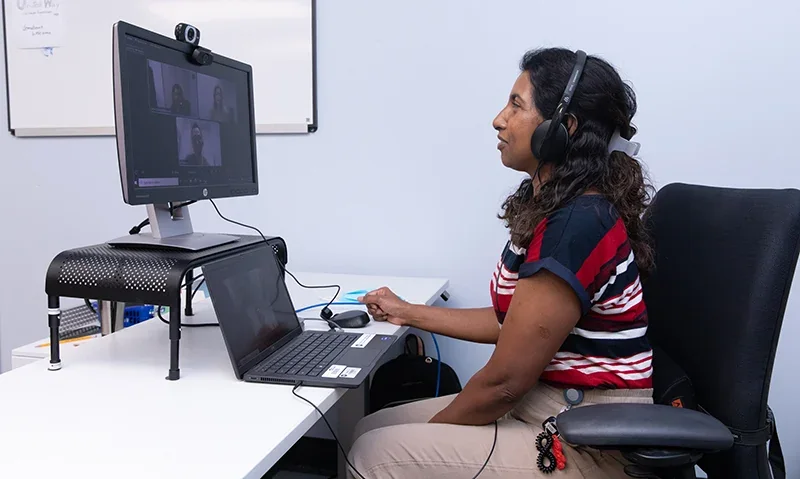
Write down your actual work. Email, web browsing, school documents and video calls need less power than large video projects, 3D work or demanding games. Check the required software before choosing an operating system.
A recent MacBook Air can be a sensible everyday computer. It is not simply a MacBook Pro with the fan removed. Different models have different chips, ports, screens, memory limits and cooling. A deal only makes sense when the differences do not hurt your work.
Apple's MacBook Neo page offers another lower-cost Mac option. Compare its exact memory, storage, ports and external display support with the Air. Its A18 Pro chip does not turn it into an iPhone. It runs Mac software, but it is still a different product with different limits.
For Windows, 16 GB of memory and an SSD are useful shopping targets for a general work laptop. Memory is the space used while apps run. An SSD is fast storage for your files. A basic 8 GB machine can still serve light tasks. It gives you less room as your needs grow.
A Chromebook suits work that happens mainly in a browser. It will not run every Windows or Mac app. Linux can keep suitable older hardware useful, but the person using it must be comfortable with setup, updates and possible driver problems. Check work VPNs, printers and school tools first.
A desktop or Mac mini can offer more value if you never need to carry it. Count the screen, keyboard and other equipment. A gaming desktop is not a substitute for a laptop needed on a train.
Choose the cheapest computer that meets the job with room to spare. Do not buy a powerful model just because it is marked down from an even larger price.
Apple Certified Refurbished is the clearest Mac starting point
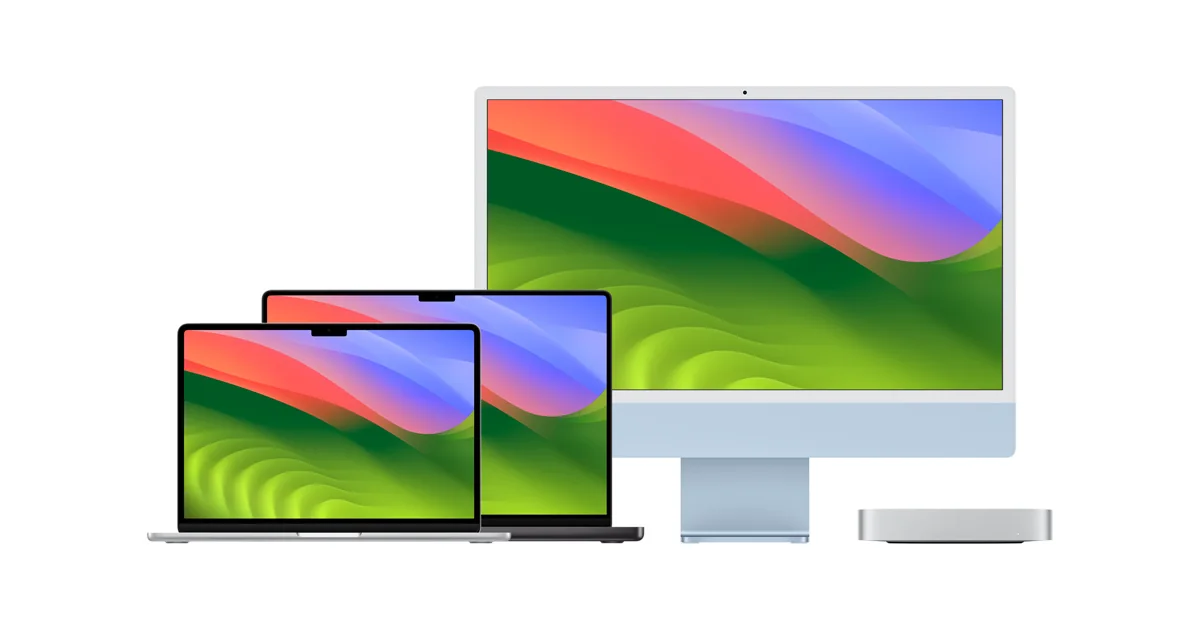
The Canadian refurbished store says its products receive full functional testing and a one-year warranty. The available models change. Check the exact product page rather than relying on a screenshot of last week's stock.
Apple's Canadian return policy gives a 14-day return window for eligible direct purchases. Read the conditions and keep the packaging until you are sure.
Apple Certified Refurbished is different from a used Mac sold by an unrelated shop. A retailer can call a device refurbished without giving Apple's same testing, warranty or support route.
Compare the refurbished price with today's new price for the same memory and storage. Then compare it with a cheaper new model that can do your work. Saving on an old premium model is not always better than buying a simpler current one.
Apple lists refurbished Neo models too. We are not promising a particular colour, price or stock level. Open the current refurbished Mac list and calculate the final total before choosing.
Choose this route when the small extra cost buys you a return process you understand. Skip it if the only available model is more computer than you need.
SurplusByDesign and OpenBox need closer reading
SurplusByDesign sells returned and surplus goods. That can produce useful prices. Its return page is much narrower than a general satisfaction guarantee. It focuses on items that arrive dead or are not as described.
There is a timing conflict in its own pages. The return page refers to 30 days from payment. Its FAQ refers to receipt. Get the start date in writing. Plan around the earlier date until the seller resolves it.
The FAQ also warns that a manufacturer's warranty is not guaranteed beyond the stated protection. Some uncovered returns can have a restocking fee. That is a fee taken out of your refund.
Buy only if the listing describes the exact condition, included equipment and protection you accept. Save a copy of the listing. Start testing as soon as the package arrives.

OpenBox Canada's return policy says return requests must be made within seven days. It describes a 15 per cent restocking fee and return shipping costs, with exceptions for defective or incorrect products.
Read the warranty on the exact listing. A shop's warranty is not automatically a fresh Apple warranty. An “open box” product can have earlier registration, a worn battery or missing equipment. The label does not prove it came from Costco or that it was never used.
Our verdict is stricter here: a small saving is not enough to justify an awkward return. Use these sellers when the discount is substantial and the written terms suit you. Skip vague listings and final-sale surprises.
What about Reebelo, Jump+, Orchard and large retailers?
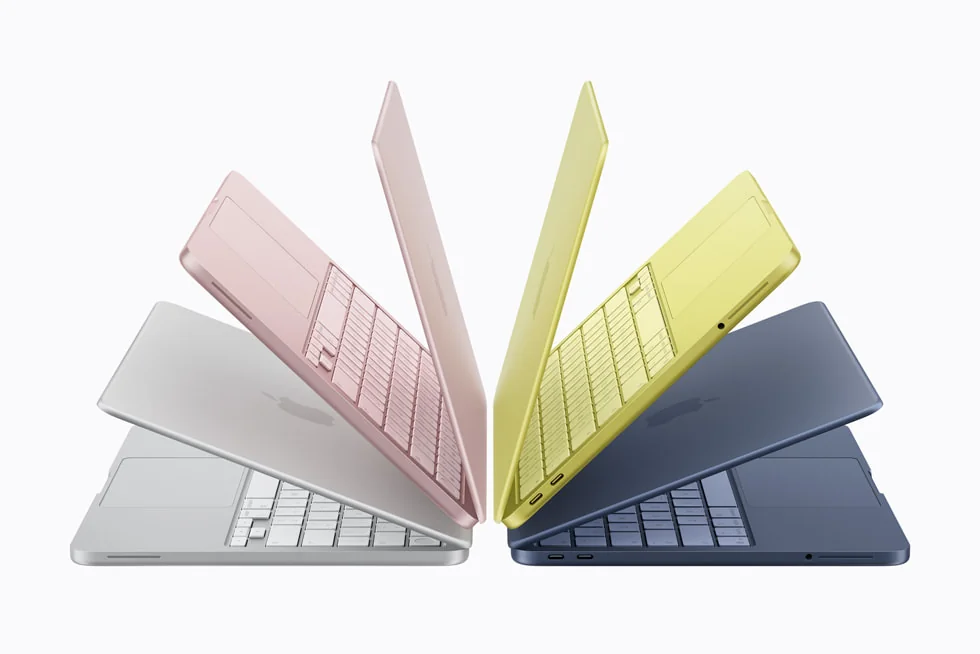
Reebelo Canada's help page describes a platform selling through vendors, with a 30-day return period and 12-month warranty. Read the warranty and refund terms for the item. Battery tiers, damage exclusions and the repair process matter more than the headline number.
Jump+ is another place to compare Apple stock. Check whether the unit is new, open box or refurbished. Get the exact warranty and return terms for that unit. The same store can sell products in more than one condition.
Orchard is a useful lead for phones and tablets. We did not confirm a current laptop range in this research. Do not make a trip expecting MacBooks because someone mentioned the retailer in a broad used-tech discussion.
Best Buy has its own stock and third-party Marketplace sellers. The Best Buy return page explicitly separates those policies. “Sold by” matters. A Marketplace item is not automatically a Geek Squad-certified product or returnable at a nearby store.
Amazon also has different sellers and product conditions. Check the seller, the exact guarantee, shipping and the return route. A marketplace's familiar name does not prove the individual seller did the testing you expect.
Costco and Canada Computers are worth comparing for new sales and clearly described open-box stock. A sale on a new laptop can beat an old refurbished offer. Read the product-specific terms, rather than applying a store's broad reputation to every listing.
None of these names removes the need to check the exact machine. Our strongest rule is simple: buy the item and its written protection together.
Free Geek and reSTART offer lower-cost routes with limits
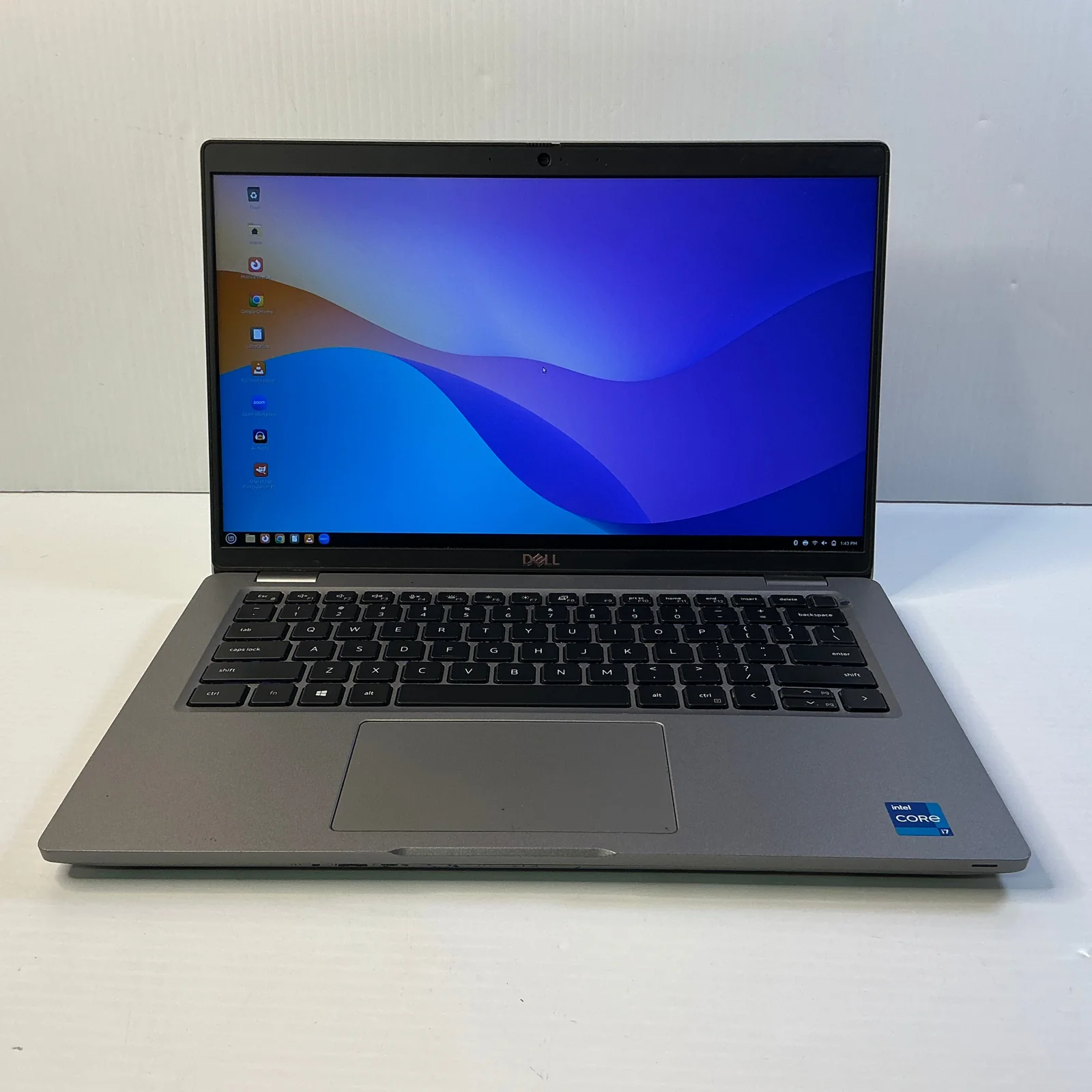
Free Geek Toronto, C3-180 Sudbury Street: start with its current laptop stock. When we checked on October 8, 2026, a Dell Latitude 5420 with Linux was listed at $269.99 before checkout tax or shipping. Stock changes. A Linux price is not a promise that your Windows-only work tools will run.
The current shop hours are Tuesday to Saturday, noon to 6 p.m. Sunday and Monday are closed. Donation drop-off hours are different. Check stock and the right visit hours before making the trip.
Its return policy allows returns within seven calendar days for store credit only. A 15 per cent restocking fee applies to non-faulty returns. Keep the receipt, original condition and asset stickers. As-is items are excluded. Return shipping can also be your cost.
Its limited hardware warranty lasts 90 days. It covers qualifying hardware faults, with repair, replacement, exchange or credit under the terms. Disclosed faults and software problems are excluded. Changing the installed operating system can affect coverage. Ask before turning a Linux purchase into a Windows project.
Choose Free Geek when the actual stock suits your work and you accept the credit-only return. Skip a marginal saving if you need the freedom to get your money back.

reBOOT Canada's reSTART programme: the eligibility and price page lists laptops at $195 for standard and $295 for premium, including tax. It serves people who qualify through financial-assistance or low-income rules. Receiving a listed benefit can be part of eligibility. Being a certain age alone is not an automatic approval.
The current specifications list 8 GB of memory for standard laptops and 16 GB for premium. Models vary. Windows 11 and LibreOffice are included. Read the exact specifications and check your school's or employer's apps before applying.
There is a 90-day hardware warranty, but all sales are final. Ontario laptop shipping adds $25. That makes the standard shipped total $220 at the posted rate. Toronto pickup is another option. Ask about pickup arrangements before travelling.
This is our first budget check for an eligible reader with basic computer needs. It is not an open discount for every shopper. Choose it only after confirming eligibility, the supplied machine and the final-sale terms.
Check ownership locks before handing over money
A laptop that lights up is not ready to buy. Connect it to Wi-Fi and complete its setup far enough to confirm that you can use it with your own account.
On a Mac, the former owner must properly remove it from their account. Apple's Activation Lock guidance explains why an erased machine can still require somebody else's password.
Watch for a Remote Management screen. It can mean the computer belongs to an organization that still controls it. Ask for a proper release from the organization. Do not accept a promise that a downloaded tool will bypass the lock.
Windows laptops can also be tied to a work or school setup. A factory reset alone does not prove that the organization has removed its management. If setup insists on an old company's sign-in, stop. The seller needs to resolve ownership and enrollment.
For a former work laptop, ask for a receipt and a clear explanation of how it was sold. A serial-number lookup can help identify the model or warranty. It does not prove lawful ownership by itself.
Private Marketplace and employee off-lease deals can be legitimate. They can also give you little help after payment. Meet in a safe public place, avoid pressure, check the device and keep a record of the sale. An unverified direct-message offer is not a recommendation.
Skip any deal that needs you to defeat a lock, misrepresent ownership or pay before testing. The discount cannot make an unusable device useful.
Test the battery and hardware while you can still return it
Ask for battery health and the cycle count when the system provides them. A cycle is roughly a full battery's worth of use. Age, heat and storage also affect a battery, so the count is not the whole answer.
On Windows, Microsoft's battery-care guide explains how to make a battery report. Open Command Prompt and run powercfg /batteryreport. Open the saved HTML file and compare “Design Capacity” with “Full Charge Capacity.” A much lower full-charge figure shows lost capacity. It does not tell you the exact hours your own apps will run.
Check the screen on a plain light and dark background. Look for damage, flicker and bright or dark spots. Test keys, the trackpad, hinges, speakers, microphone, webcam, Wi-Fi, Bluetooth and every port you need.
Confirm that the processor, memory and storage match the listing. Check the charger rating and connector. A replacement adapter, battery or missing USB hub belongs in the final cost.
Use the machine unplugged for ordinary work. A five-minute meeting cannot prove its full battery life. Keep testing at home during the return period. Run updates, try your actual apps and check charging again.
Keep the box and record any fault promptly. Do not modify the device before asking for a return if the seller's terms prohibit changes. Save your receipt, listing and messages privately.
Older Intel MacBooks can be cheap. Some also bring older software support, aging batteries or keyboard repair concerns. Price the likely repair and confirm the exact model's support before buying. “It lasted my friend ten years” is not a warranty for your machine.
Software support is part of the price
Windows 10's ordinary support ended on October 14, 2025. Microsoft's current consumer Extended Security Updates page lists eligible coverage through October 12, 2027. Enrollment is required. These are security updates, not full new features or technical support.
The consumer programme requires Windows 10 version 22H2, current updates and an eligible administrator Microsoft account. Managed work or school devices can need a different programme. Check the enrollment choices shown on the device. Do not assume every old laptop receives these updates automatically or at no cost.
That program can help someone keep an existing computer for a while. It is a weak reason to buy an old Windows-only machine for years of future work. Check whether the exact processor and other hardware meet Windows 11's requirements.
Do not rely on an unsupported installation workaround as the seller's proof of future support. A visible Windows 11 desktop does not answer every compatibility question.
For a Mac, check the exact model against Apple's current macOS compatibility list. A newer Apple-silicon Mac can offer more room than an old Intel model, but Apple has not promised one fixed support lifetime for every future release.
For a Chromebook, check the model's automatic update end date. It is not automatically ten years from the day you buy a used device.
If your current laptop still gets security updates and meets your needs, a battery repair can be the cheapest choice. Back up your files and get a repair quote. Do not keep an unsafe or unsupported setup just to avoid a purchase.
Count tax, deals and border costs honestly

A $900 laptop costs $1,017 after Ontario's 13 per cent HST, before any shipping or extras. Compare final totals in the same currency. A US price is not a Canadian checkout price.
Add the charger, repair allowance, software, adapters and financing cost. A monthly payment can hide a larger total. An extended warranty only helps if its cover, exclusions and claim route are worth the fee.
Education and employer discounts can help if you qualify. Use the current official eligibility rules. Do not make a fake student account, borrow private credentials or pretend to meet a condition. A legitimate work discount should come through your employer's approved route.
We did not confirm an open-to-everyone RBC points promotion or a current code that gives the savings claimed in older comments. Treat those as unconfirmed leads, not a price promise. Points also have value you give up when spending them.
Black Friday and Boxing Day can bring sales. They do not guarantee the lowest price or the model you need. If your computer is still useful, watch a few exact models. If you need one for work now, set a fair target and stop chasing a theoretical future deal.
For a US purchase, follow CBSA's returning-resident rules. A trip shorter than 24 hours has no personal exemption. The 24-hour $200 and 48-hour $800 exemptions have conditions. Declare the purchase and include exchange costs, travel and warranty service in your comparison.
Claims that AI demand, memory prices or tariffs will make every laptop cost more until a specific year are predictions. Checked October 7, 2026, we have no reliable basis for promising a market crash or a cheapest buying month. A forecast would change with supply, demand and model pricing.
Buy for your work and your return protection. A cheaper future that nobody can date is not a computer you can use today.
If you need somewhere to use the laptop, compare our Toronto library study spaces and late Toronto cafés where you can work. Check power outlets and the venue's current rules before settling in.
Frequently asked questions

Is refurbished the same as used?
Refurbished usually means the seller checked or repaired a used product. The work and guarantee vary. Read the seller's exact testing and return promises.
Where should I start for a refurbished MacBook in Toronto?
Start with Apple Certified Refurbished Canada. It has a stated one-year warranty and a direct return route. Compare the available model with a new lower-cost Mac before buying.
Is a used ThinkPad better value than a MacBook?
A checked business laptop can be much cheaper for ordinary Windows work. It must run your software, have useful battery life and support current updates. The brand name alone does not make an old machine a bargain.
Can I buy a Mac that shows Remote Management?
Ask the seller to have the organization properly release it first. Do not pay based on a promise to bypass the screen later. Setup should work with your own account before the sale is complete.
How much memory do I need?
For general work, 16 GB is a useful target if the budget allows it. Light browsing can work with less. Heavy creative work and specialist software need their own checks.
Should I wait for a holiday sale?
Wait if your current laptop is safe and still does the job. Track exact models and final prices. Do not assume a holiday banner guarantees the best deal.
Is a laptop bought in the US automatically cheaper?
No. Exchange rates, tax, customs rules, travel and repair service can remove the saving. Compare the complete Canadian-dollar total and declare the purchase.